In an old blog written many years back, you can check the reason for access of a record to a user using the Sharing button. There is a slight difference in information given in Classic compared to Lightning.
Classic:
https://domain.my.salesforce.com/setup/own/entitywhylist.jsp?id=0060o00001TvlTM&uid=00590000000Ougm
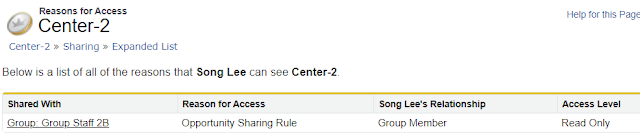

Classic does not tell you which sharing rule, but only "Shared With". Lightning does better with the Rule Name, but in the above sample, the rule name is not very helpful "This_is_Test".
The Sharing Rule
Let's look at the sharing rule; for the below example, since there's only one sharing rule with "Shared With" to a specific group, we can identify the sharing rule quickly, but if there are many, we need to click edit to each rule to see the rule name.


Is there an easy way to find the rule?
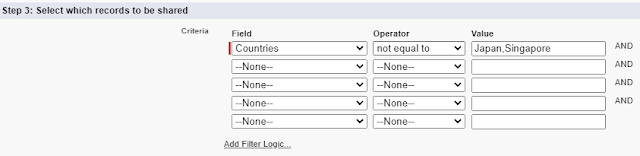
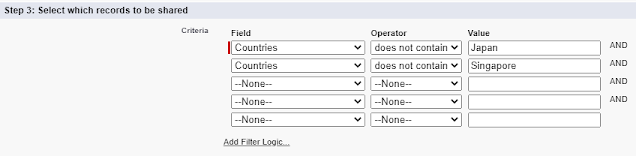
Sharing Rule by Criteria

- Text
- Text Area
- Picklist
- Checkbox
- Number
- Percent
- Fax
- Phone
- URL
- Date
- Date/Time
- Lookup
- Formula
- Currency
- Long Text Area
- Rich Text Area
- Picklist (Multi-Select)
- Roll-Up Summary